
Best Meeting Room Booking Software in 2026 (Compared and Tested)
Key Takeaways
- No tool wins outright. Fit depends on your room-to-headcount ratio, calendar platform, and hardware appetite far more than on any feature comparison.
- The pricing model decides the bill, not the sticker price. Per-user pricing punishes offices with many staff and few rooms; per-space pricing punishes the reverse.
- Check-in and auto-release are where the money is. Reclaimed ghost bookings typically save more than the licence costs.
- Calendar sync depth is the real differentiator. A one-way feed drifts; insist on genuine two-way sync via Microsoft Graph or the Google Calendar API.
- Book where people already work. Native Teams or Outlook booking drives adoption harder than any other single feature in Microsoft shops.
- Hardware is a choice, not a requirement. Displays improve the walk-up moment but add cost and maintenance; QR and mobile booking avoid a device fleet entirely.
- Adoption, not features, determines ROI. Trial with the people who book rooms daily before you sign anything.
Most companies do not buy meeting room booking software because they have run out of rooms. They buy it because they cannot trust their own calendar. The 10 a.m. shows a full building; the reality is three empty rooms holding recurring invites nobody cancelled, one team quietly camped in a space booked by another, and a manager walking the floor to find somewhere for a call. The software category exists to close that gap between the calendar and the carpet.
That distinction matters because it changes what you are actually shopping for. The feature lists across these products look almost identical: real-time availability, floor plans, calendar sync, analytics, so buyers default to comparing prices and pick whatever is cheapest or whatever the loudest vendor demoed. Then adoption stalls, because the thing that determines success is not on the feature list. It is friction, sync reliability, and whether the system reclaims dead bookings automatically. This guide is built around those variables.
Why Room Booking Is Harder Than It Looks
Before the products, it helps to understand why this problem resists simple fixes, because it explains why the tools differ in ways that are not obvious from a demo.
The utilisation problem is real and measurable. Workplace analytics providers have reported for years that a large share of booked meeting rooms sit empty or barely used, and that most meetings are booked for more people and more time than actually turn up. Whatever the exact figure in your building, the pattern holds: the constraint is rarely the number of rooms. It is that reserved capacity is not released when plans change. A company can “solve” a room shortage by cutting no-shows without adding a single square metre, which is precisely why check-in enforcement and auto-release matter more than the size of the room inventory.
Calendar integration is where most systems quietly break. “Integrates with Microsoft 365” can mean two very different things. A shallow integration reads availability on a schedule and can lag behind reality, so two people book the same room minutes apart. A proper integration uses the Microsoft Graph API (or the Google Calendar API) to write bookings directly into the resource calendar and receive change notifications, so a cancellation in Outlook frees the room instantly and everywhere. When you evaluate, ask specifically how the sync works and how fast a change propagates in both directions. This single answer separates tools that hold up at scale from ones that generate double-booking complaints.
Adoption is fragile. Every extra step an app requires to install, a login to remember, a room map to decode is an invitation to skip the system and grab a room the old way. And the moment a handful of people book informally, the availability data everyone else relies on becomes unreliable, which pushes more people to book informally. Booking systems fail in a feedback loop, not a single moment. The tools that win minimise the number of decisions between “I need a room” and “it’s mine”.
Keep those three forces utilisation, sync depth, and friction in mind as you read. They are the reason the “best” tool for a 40-person startup is the wrong tool for a bank with forty floors.
How We Evaluated These Tools
Each platform was assessed against the criteria that actually predict whether people keep using it:
- Booking friction: steps from intent to confirmation, and whether it works with no app install.
- Calendar sync depth: genuine two-way sync via Graph / Google APIs, not a lagging feed.
- Ghost-booking control: required check-in and automatic release for no-shows.
- Room displays: what the door panel shows and whether it needs proprietary hardware.
- Workplace coverage: desks, visitors, floor plans, and multi-site support alongside rooms.
- Analytics: whether reporting can justify keeping, cutting, or reconfiguring rooms.
- Admin, security, and scale: booking rules, approvals, SSO/SCIM, and compliance posture.
- Pricing model and value: per-user, per-room, or per-space, and how it scales.
Pricing throughout describes the model and public reference points, not a quote. Vendors revise pricing regularly; confirm live figures on each official pricing page before committing.
Comparison At A Glance
Software | Best for | Pricing model | Calendar sync | Room displays | Standout |
Qudify | Multi-site, hardware-light enterprises | On request | Calendar invites; confirm scope | Tablet status display | No-app QR booking + built-in visitors |
Robin | Analytics-led mid-market & enterprise | Per-employee/month, tiered ($3–12+) | Deep two-way (M365, Google) | Display app + third-party panels | Real-estate-grade analytics |
Skedda | Simple, rules-based booking | Per-space, monthly tiers (free tier ≤3 spaces) | Two-way (M365, Google) | Browser panels | Floor plans + granular rules engine |
YAROOMS | Microsoft Teams-first offices | Flat monthly tiers ($99/$399/$899); visitor mgmt priced separately | Two-way (M365, Google, Zoom) | Door displays | Native Teams + AI assistant |
deskbird | Modern M365/Google shops | Per-user (~$2.75–3.75/mo) | Real-time two-way, cross-tenant | Touch displays | Lowest adoption friction |
Joan | Display-first offices | Software + per-device | Two-way (M365, Google, Exchange) | Proprietary e-ink | Long-battery wireless panels |
Envoy | Visitor-management-led workplaces | Modular — Visitors, Reservations ($60/resource/yr), Screens ($144/device/yr) billed separately | Two-way (M365, Google) | Walk-up on displays | Best-in-class visitor flow, but costs stack fast across modules |
Clearooms | Cost-conscious SMBs | Per desk/room, not per-user (from ~$15/resource/mo) | Two-way (M365, Google) | Browser panels | Price and simplicity — pricing scales with space, not headcount |
Qudify: QR-Based, Hardware-Light Booking With Visitors Built In
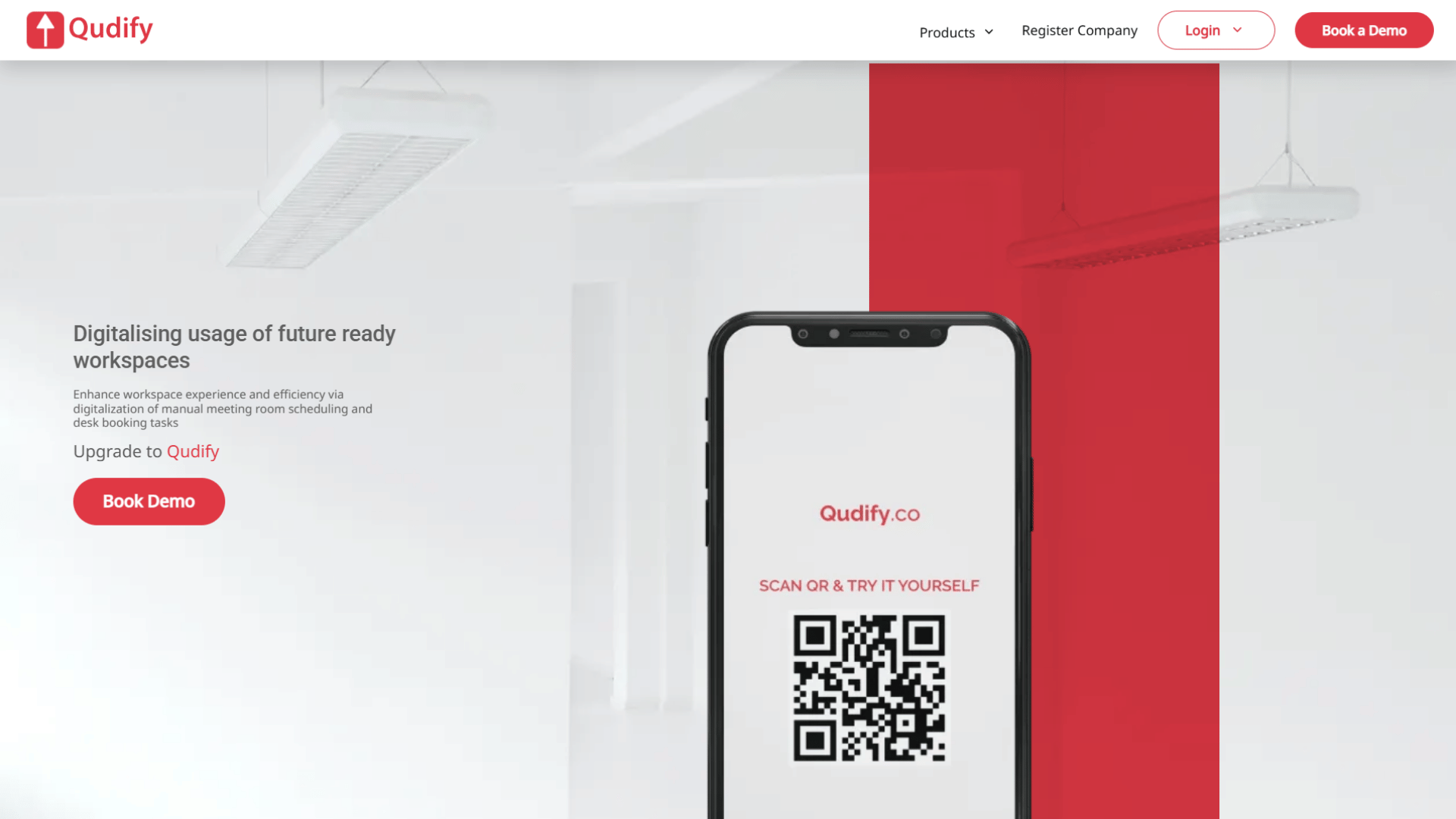
Qudify is a QR-enabled meeting room and desk booking platform for enterprises and multi-site organisations in telecoms, banking, healthcare, IT, and co-working that want booking to take seconds and administrators to see how space is used, without standing up a fleet of proprietary panels.
The design bet is on removing the most common adoption barrier. Someone scans a QR code on any smartphone, the booking interface opens in the browser with no app to install, and they pick a room or desk by time slot. Bookings trigger automatic email confirmations and calendar invites, recurring bookings are supported, and a tablet display app shows a room’s current and upcoming status outside the door with the bookable QR code on screen. Because there is no app and no dedicated panel required, a visitor or an employee in an unfamiliar building can book without any setup; the friction that kills adoption elsewhere is largely removed. Visitor management and self-check-in are part of the platform rather than a bolt-on, and onboarding uses QR and WhatsApp to keep it simple. An analytics dashboard covers usage, bookings, and trends across sites.
Where it stands out: The no-app QR flow removes the most common adoption barrier a visitor or an employee in an unfamiliar building can book without installing anything. Avoiding proprietary panels keeps deployment light, visitor management is built in rather than bolted on, and the platform scales across sites with branding options.
Integrations: Automatic calendar invites and email confirmations, with WhatsApp-assisted onboarding. Confirm specific calendar and identity integrations for your environment with the Qudify team.
Pricing: On request.
Choose it if you value fast, contactless QR booking and built-in visitor management across sites without a hardware programme.
Skip it if your first requirement is the deepest possible native integration with one enterprise ecosystem.
Verdict: A strong fit for contactless, hardware-light booking with visitor management included, for buyers comfortable confirming specific integrations directly.
Robin: The Analytics Benchmark For Larger Workplaces
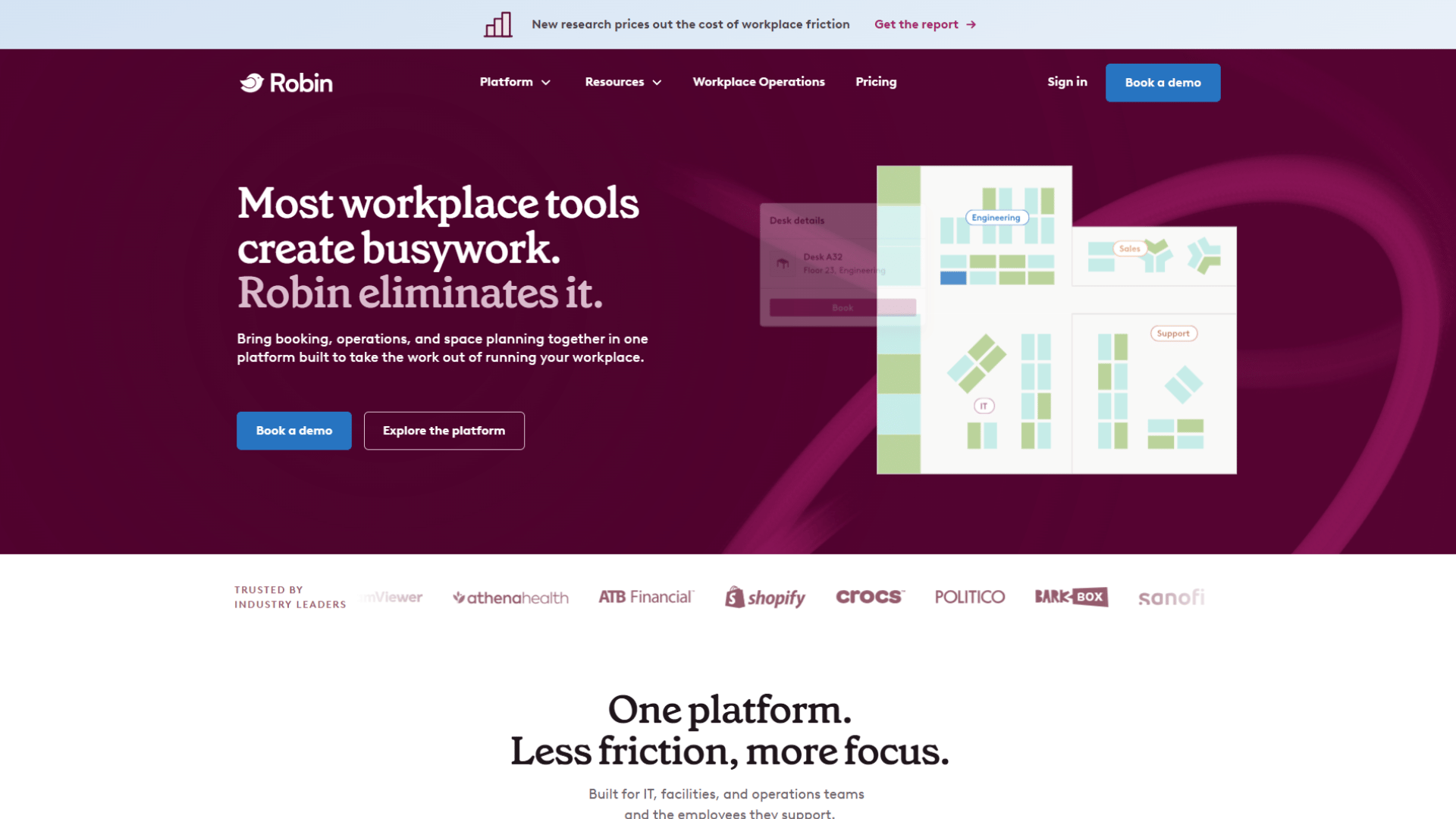
Robin has been in this category long enough that its advantage is depth, not novelty. It covers rooms, desks, visitors, and space analytics, and it sits on top of the Outlook and Google calendars people already use rather than asking them to move.
The reason to care is the analytics. Most tools can tell you a room was booked; Robin is built to tell facilities and real estate teams whether the room should exist, whether it is the wrong size, and how utilisation trends over quarters. If your real question is a lease renewal or a floor redesign, that data is the product. It also does the operational basics well live availability, interactive maps, digital signage, self-check-in with auto-release, and reviewers consistently rate the booking experience itself as clean.
Where it costs you: pricing is quote-based rather than published, which slows evaluation, and implementation is more involved than lighter tools. It is more platform than a single small office will ever use.
Pricing: Per-user, tiered, quoted. Public references cluster in the low-to-mid single digits of dollars per employee per month, rising with modules and scale. Confirm with Robin.
Choose it if you are running dozens of rooms across sites and need reporting credible enough to defend real estate decisions.
Skip it if you just want people to stop double-booking the boardroom.
Verdict: The dependable enterprise choice when analytics and scale outrank sticker price.
Skedda: The Cleanest Rules-Based Booking
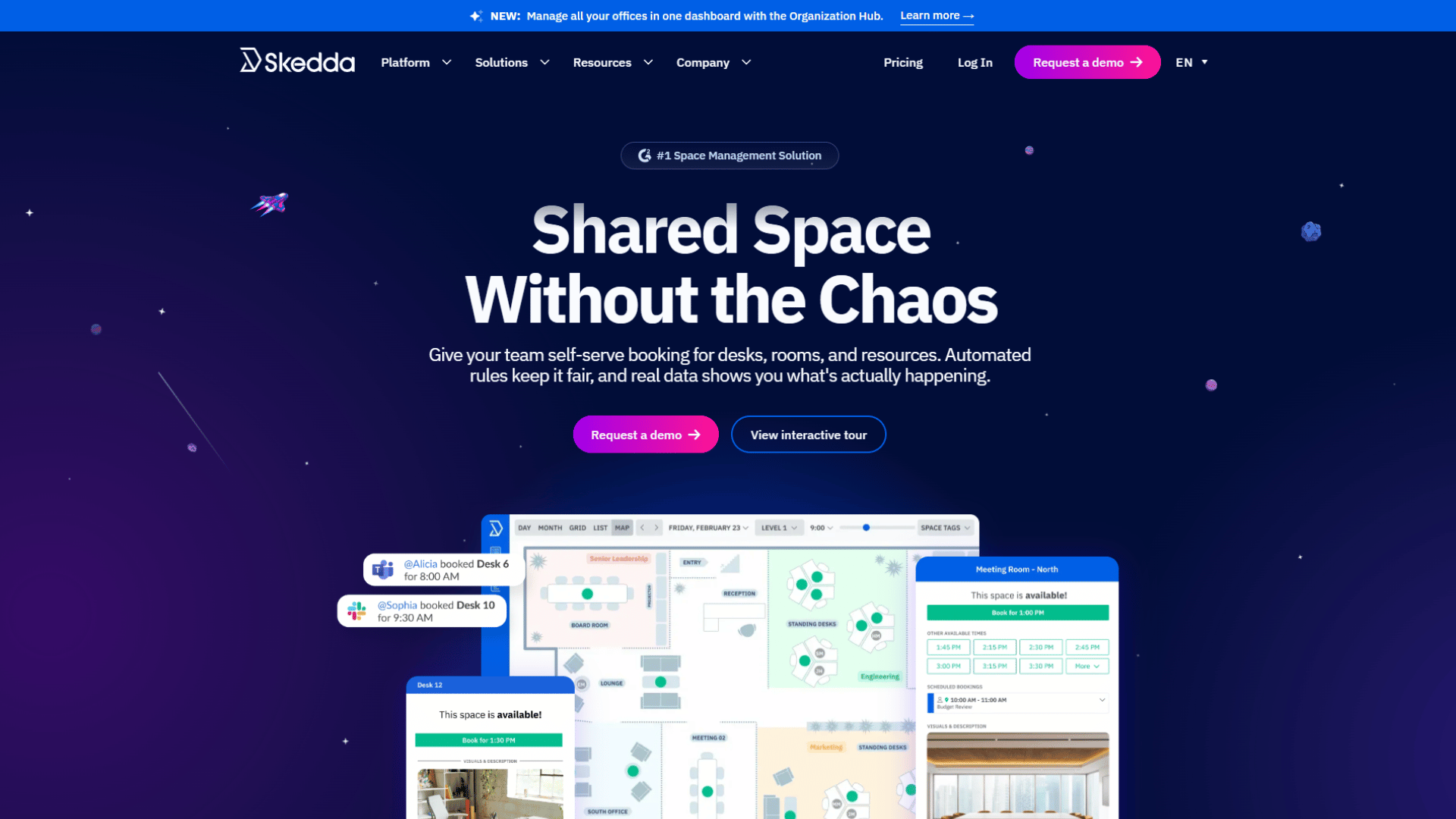
Skedda came out of managing bookings for community and sports venues, and that heritage shows in an unusually visual, self-service approach. Its strength is the combination of drag-and-drop floor plans and a genuinely granular rules engine that can book which space, when, for how long, how far ahead, configured without needing an admin certification.
The per-space pricing model is the quiet advantage. A large team that books a modest number of rooms pays for the rooms, not for every employee, which makes the bill predictable and often much cheaper than per-user alternatives at that ratio.
The trade-offs are worth knowing before you commit: required check-ins and custom branding sit on higher tiers, visitor management is a separate paid add-on, and per-space limits step up as you add rooms. Confirm the current free-trial-versus-free-tier position, as it has changed.
Pricing: Flat monthly tiers per space, billed annually, commonly cited from around US$99/month at entry and rising with spaces and features. Verify on Skedda’s pricing page.
Choose it if you want flexible, rules-driven booking with minimal admin and a predictable per-space bill.
Skip it if you need bundled visitor management or portfolio-level analytics.
Verdict: One of the best-value options for straightforward room booking.
Yarooms: The Teams-Native Pick
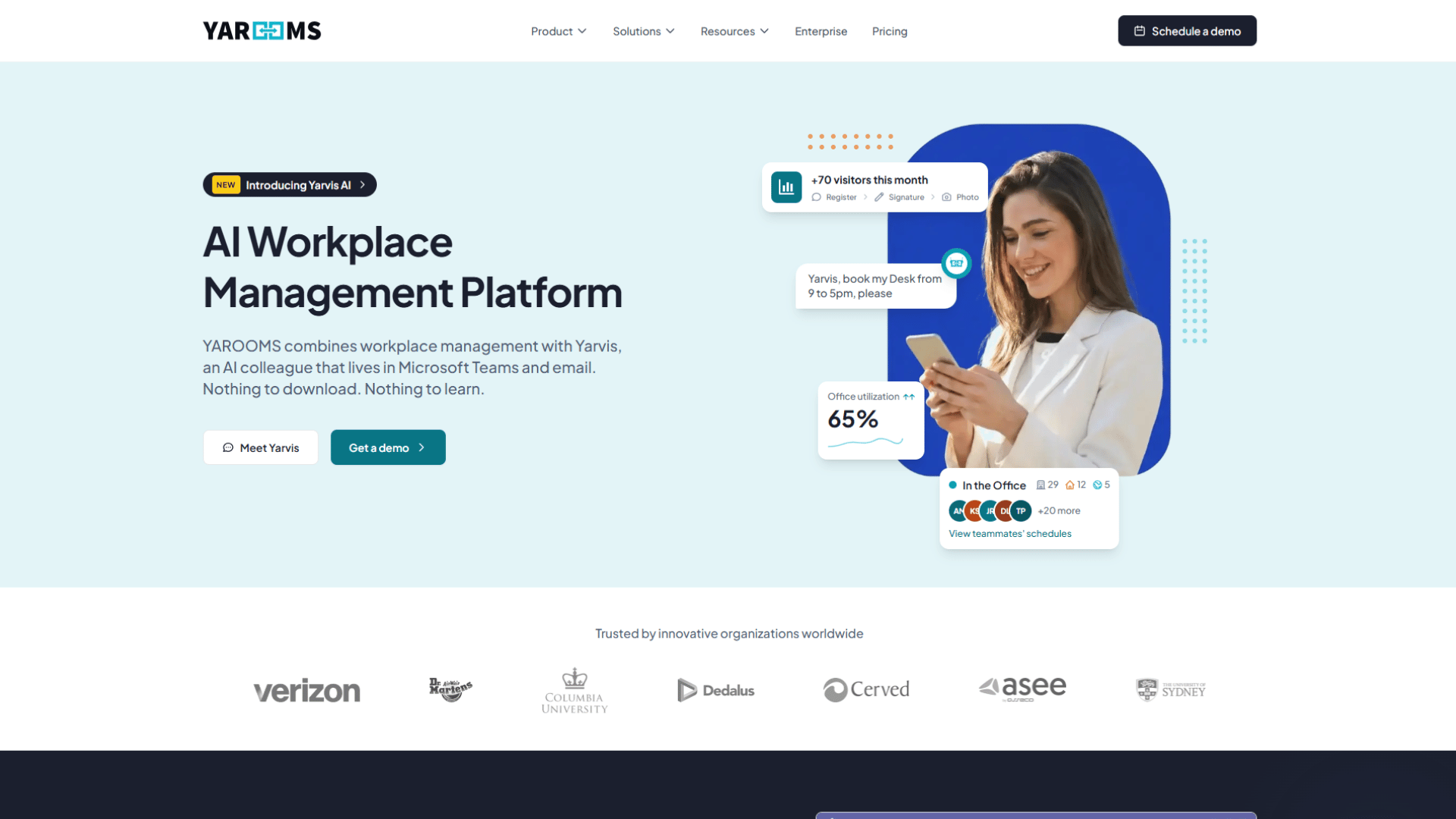
YAROOMS is a full workplace platform, but its sharpest edge is how deeply it lives inside Microsoft Teams. People can find and book a room without leaving the app they already have open all day, which removes most of the reason anyone abandons a booking system in the first place. It layers on an AI assistant that takes a plain-language request (“book me a room for four near the second floor at 2”) and resolves it as a genuinely useful reduction in friction rather than a gimmick.
Underneath, it covers the operational essentials well: a room finder filtered by size and amenities, check-in with auto-release, approval workflows, capacity limits, and utilisation reporting. Bookings sync across Microsoft 365, Google Workspace, and Zoom, so meeting links land where they should.
The catch is the pricing structure. It is per user with a space cap on each tier, so you can hit the cap and be pushed up a level for reasons unrelated to the features you actually wanted. For a large workforce that comes in a day or two a week, per-user pricing can mean paying for seats that rarely book anything.
Pricing: Per-user, tiered. Independent sources reference an entry tier around US$200/month, a growing-team tier around US$399/month (roughly 50 users, adding the Teams app, AI assistant, SSO, and calendar sync), and an enterprise tier around US$899/month (roughly 300 users, multiple sites). Confirm with YAROOMS.
Choose it if your workplace runs on Teams and you want booking inside it.
Skip it if you have far more people than rooms and per-user pricing works against you.
Verdict: A strong Teams-native pick; model the per-user cost against real in-office headcount.
Deskbird: The Lowest-Friction App
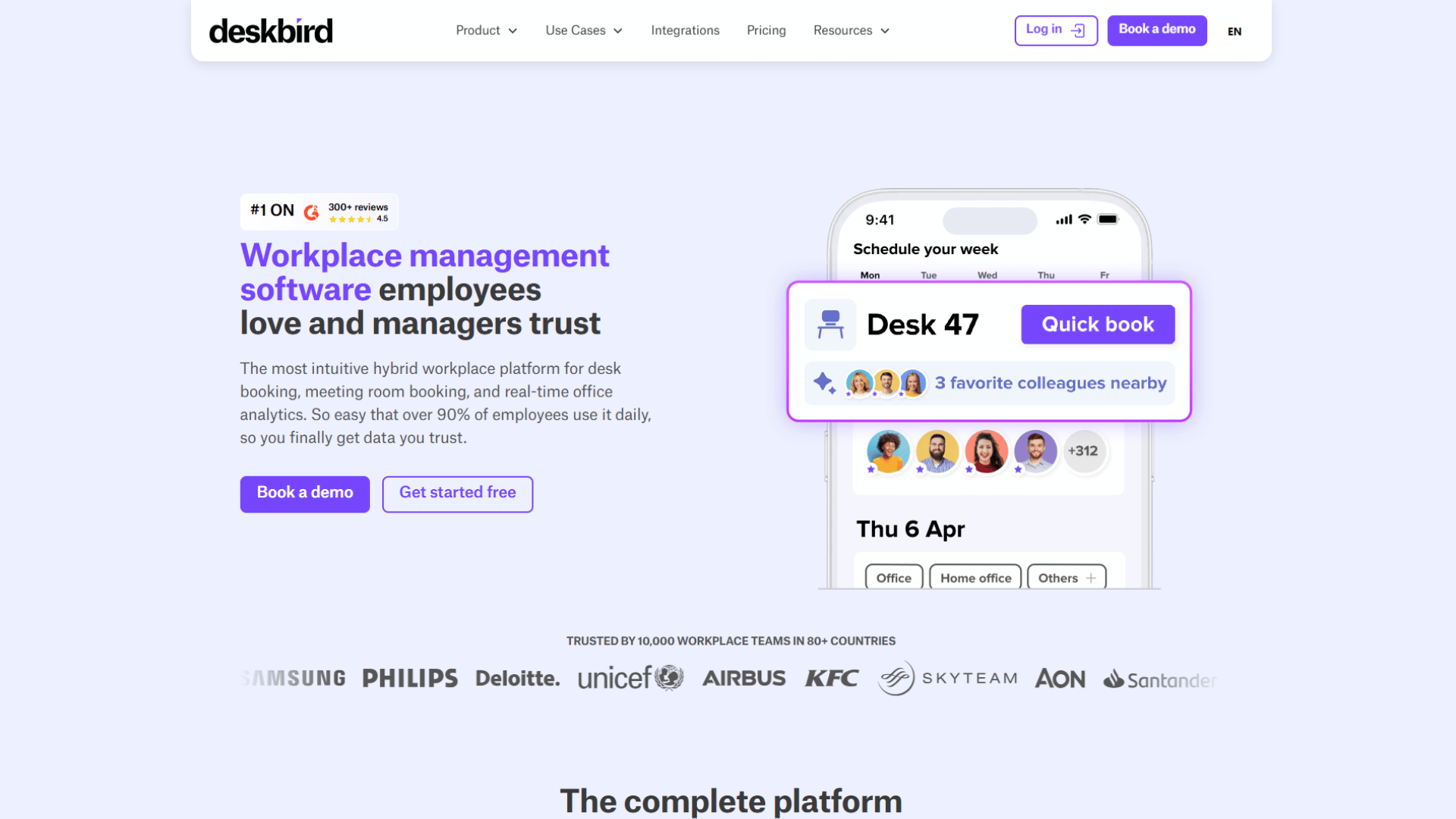
Deskbird’s whole design philosophy is “make it feel like a calendar event”, and it largely succeeds. If your team already books through Outlook or Google Calendar, the workflow is familiar on day one, which is why it is so often praised for needing almost no training. It handles desks and rooms from web, mobile, Teams, or Slack, shows live availability including where colleagues are sitting, enforces check-in, and reports on occupancy.
Two things stand out technically. Its real-time sync with Outlook, Google Calendar, and Teams writes bookings back to block slots and prevent double-booking, and it can sync rooms across separate Microsoft tenants a real advantage for merged entities or holding-company structures that most tools fumble.
The considerations: per-user pricing means cost tracks headcount rather than room count, and after a 2026 pricing change, some capabilities including certain meeting room and visitor management features are positioned as paid add-ons on top of the base plan. Read the plan breakdown line by line so you are not surprised at renewal.
Pricing: Per-user, with the Business plan commonly cited from around €2.75 (roughly US$3.75) per user per month annually, and custom Professional/Enterprise tiers above. Some modules are add-ons. Confirm on deskbird’s pricing page.
Choose it if you want the lightest possible rollout for a modern hybrid team.
Skip it if your ratio of staff to rooms makes per-user pricing expensive.
Verdict: Excellent for easy adoption, provided the per-user model and add-on structure suit your mix.
Joan: When The Door Panel Is The Point
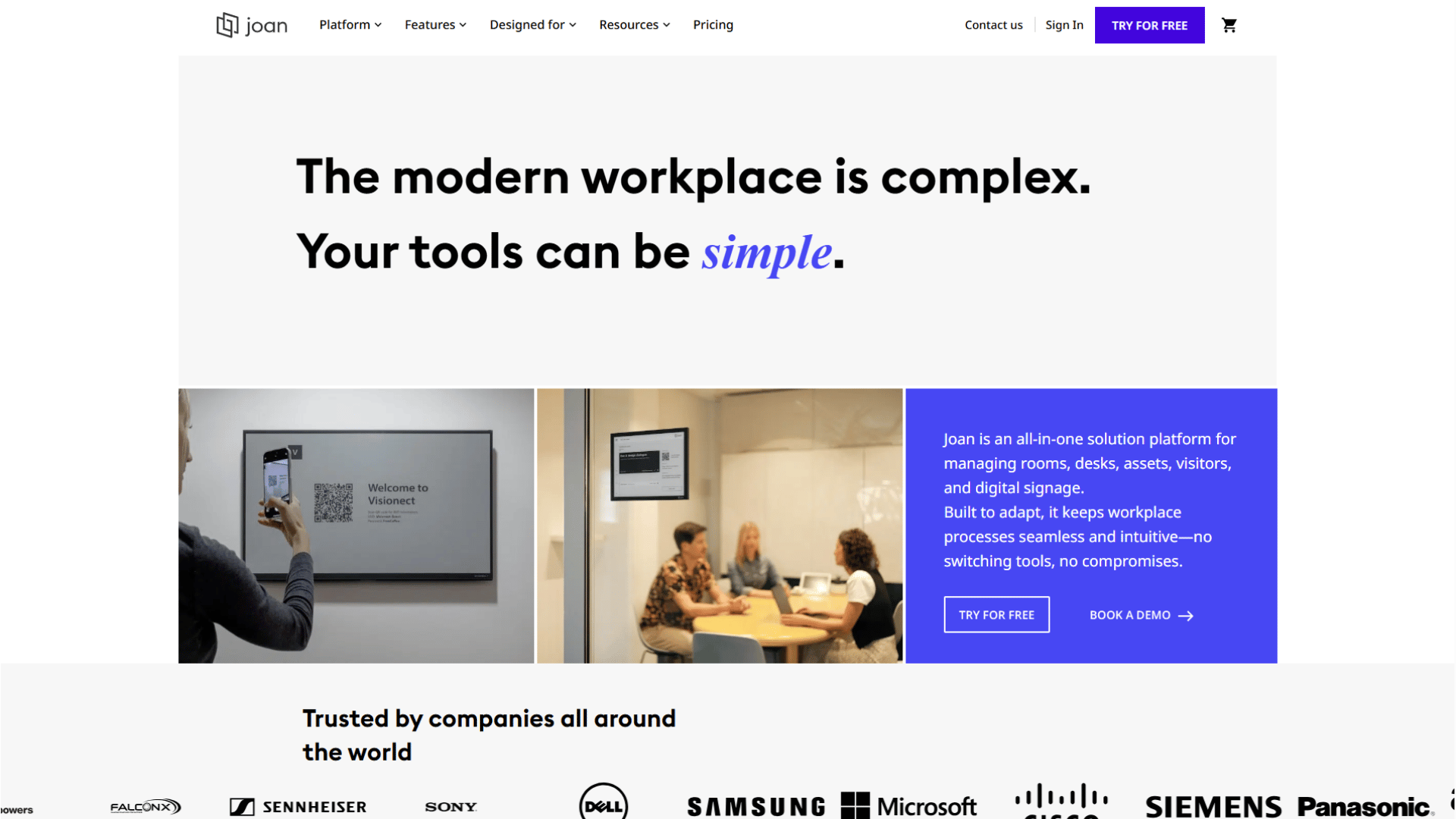
Joan built its reputation on low-power e-ink door displays and grew a broader platform around them, but the panels are still why most teams choose it. If the experience you care about most is what people see on the wall outside the room, this is the strongest option. The schedulers are wireless, mount without cabling, run for months on a charge, and let people check in or book directly on the panel. The low power draw also supports a real sustainability story, which increasingly features in procurement.
The wider platform adds desk booking, visitor management, and analytics, but the honest positioning is hardware-first. That is also the limitation: you pay a software subscription per bookable space and a per-device subscription and buy the hardware. Several reviewers flag it as expensive for very small teams, and the dual cost model favours mid-market offices over budget-constrained ones.
Pricing: Software subscription per bookable space plus a per-device subscription (device pricing commonly cited from around €9.99 per device per month), with e-ink hardware purchased separately. Confirm with Joan.
Choose it if the polished walk-up experience justifies a hardware programme.
Skip it if you want to avoid maintaining physical devices or you are tight on budget.
Verdict: The pick when the panel outside the door is what you are really buying.
Envoy: When Visitors Come First
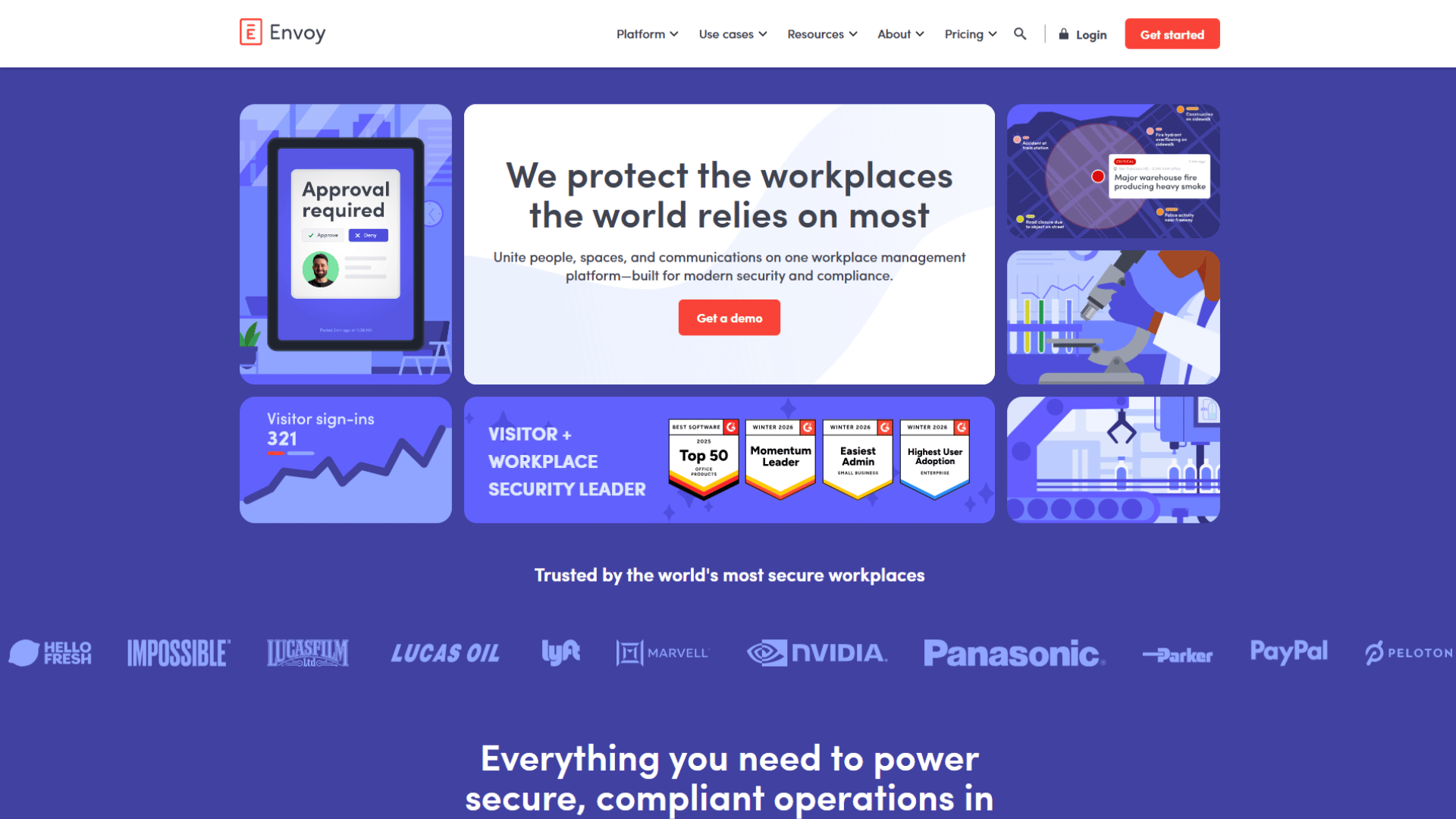
Envoy is a visitor management platform first, and one of the best, that offers room and desk booking as modules. The distinction is important for procurement. If your headline problem is a slick front-desk and guest experience sign-in, badge printing, host notifications, access control, and Wi-Fi integration for automatic check-in, Envoy is excellent, and handling rooms with the same vendor is convenient.
But if rooms are your primary problem, weigh the trade-offs. It is modular, so you pay a platform fee plus each product separately, and cost compounds as buildings and resources grow. Reviewers also note that booking rules are configured fairly broadly at the location level, with less granularity than tools built primarily for space management. It is a superb visitor system that also does rooms, not a room system that also does visitors and that ordering shows.
Pricing: Modular. The workspace booking module is commonly cited on a per-resource basis (recent sources reference around US$5 per resource per month on the standard tier) plus a separate platform fee; visitor modules are priced separately. Confirm with Envoy.
Choose it if visitor management leads and rooms ride alongside.
Skip it if your main pain is room conflicts and you need granular booking rules.
Verdict: The right call when visitor management leads; model the modular pricing if rooms are the priority.
Clearooms: The Value Pick For Small Teams
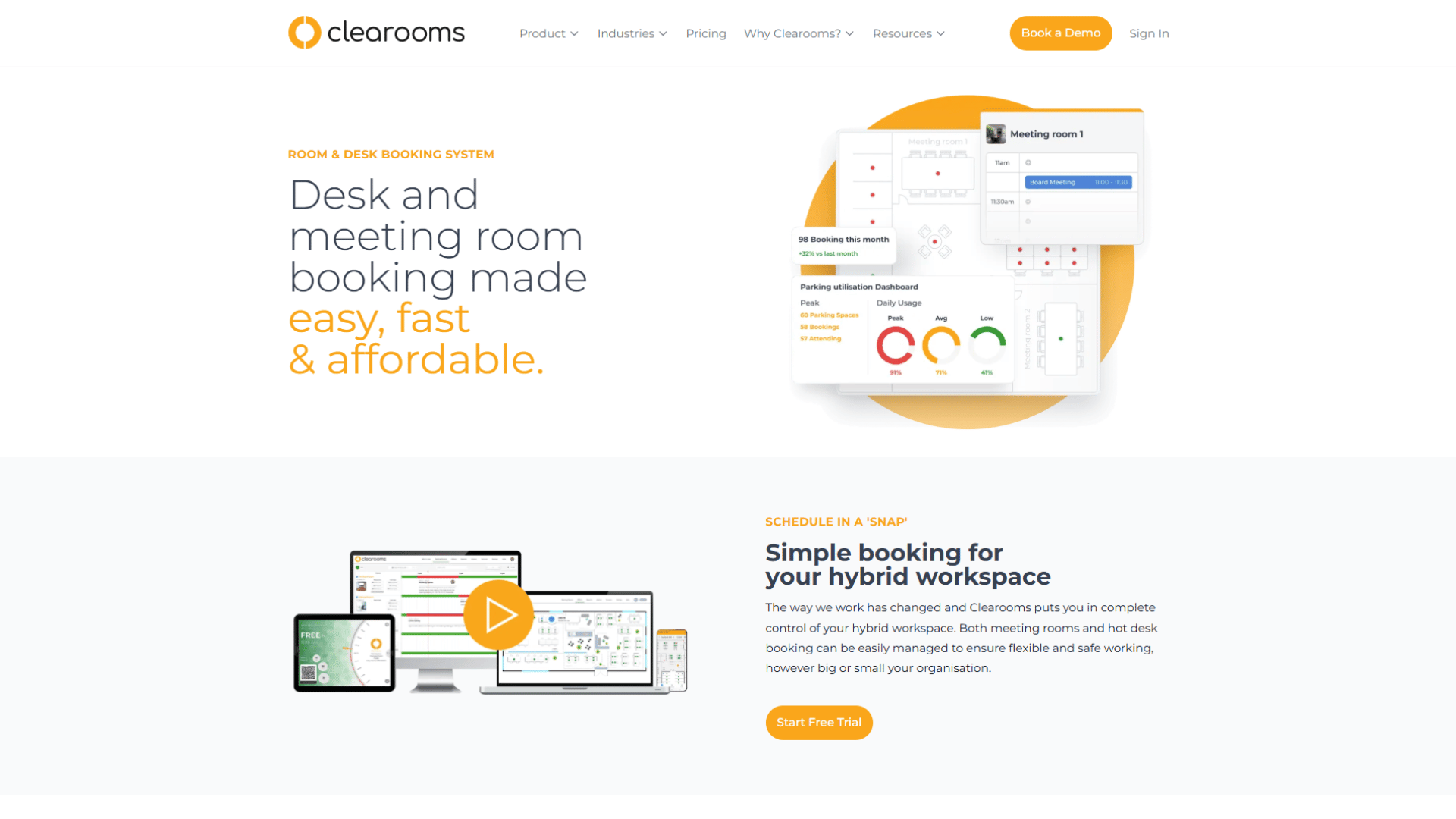
Clearooms keeps the scope deliberately narrow and the price low, which is exactly what many smaller offices want. It does room and desk booking with live availability, calendar integration, and straightforward reporting, priced to stay affordable as you add rooms. There is no attempt to match the analytics depth, AI features, or platform breadth of the enterprise tools, and that focus is the point for a team whose genuine need is “let people reliably book rooms and desks”, it covers it without complexity or cost creep.
The obvious ceiling: if you expect to grow into portfolio-level real estate analytics or complex multi-site administration, you will eventually outgrow it.
Pricing: Flat, low-cost tiers (independent sources reference room booking from around US$15/month at entry). Confirm with Clearooms.
Choose it if you are a smaller office with straightforward needs and a tight budget.
Skip it if you need deep analytics or enterprise admin control.
Verdict: A sensible, affordable choice for smaller offices.
How To Choose The Right Meeting Room Booking Software
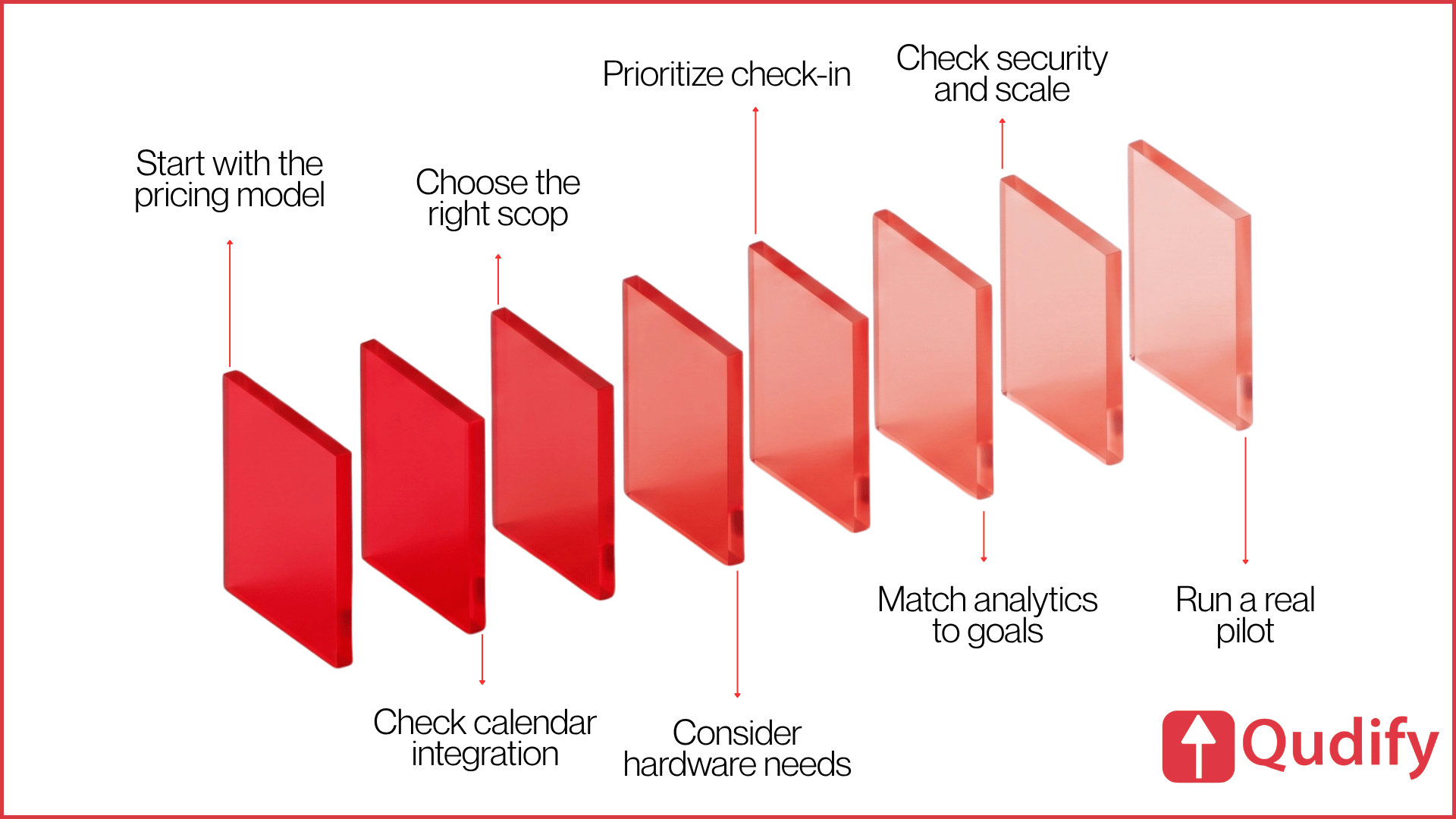
The best tool matches your building, your calendar platform, and how your people actually behave. Work through these before you shortlist.
Start with the ratio, not the price. Count your rooms and your people. A large workforce booking few rooms is penalised by per-user pricing and rewarded by per-space or per-resource models (Skedda, Joan, Envoy). A smaller headcount using many spaces often does better on per-user (Deskbird, YAROOMS, Robin). Run the arithmetic with your real numbers; the model, not the headline rate, decides the bill.
Interrogate the calendar integration. Do not accept “integrates with Microsoft 365” at face value. Ask whether it writes bookings into the resource calendar via Graph, how fast a cancellation in Outlook frees the room, and whether the sync is truly bidirectional. For Google shops, confirm the same against the Google Calendar API. This is the difference between a system that scales and one that generates double bookings.
Decide: rooms, or a workplace platform? If you only need rooms, a focused tool (Clearooms, Skedda) avoids paying for breadth you will not use. If you also need desks, visitors, and cross-site analytics from one system, a platform (Robin, YAROOMS, deskbird, Envoy, Qudify) beats stitching point tools together and reconciling their data.
Set your hardware appetite honestly. Door displays improve the walk-up moment but add procurement, mounting, power or battery management, and someone to own them. If polished panels matter, Joan leads. If you would rather not run a device fleet, QR (Qudify) or browser and mobile booking sidesteps it. Ask who maintains hardware before you buy any.
Treat check-in and auto-release as non-negotiable. In a hybrid office, reserved-but-empty rooms are the largest source of wasted capacity, and reclaiming them is usually where the software pays for itself. Confirm the tool enforces check-in and releases no-shows automatically, and that you can tune the grace period.
Match analytics to a real decision. If you are deciding whether to keep, cut, or resize real estate, buy reporting built for that (Robin is strongest). If you only need to know who is in today, lighter analytics are fine; do not pay for a real estate suite you will never open.
Pressure-test security and scale early. For multi-site or regulated environments, confirm SSO and SCIM provisioning, granular booking rules and approvals, multi-location administration, and the vendor’s compliance posture (SOC 2, ISO 27001, GDPR handling). These separate a tool that works for one office from one that works for a portfolio, and they are painful to discover missing after rollout.
Then trial with the people who book rooms. Shortlist two or three, run a real pilot with daily bookers, and watch whether they use the system or revert to grabbing rooms informally. Adoption is the only metric that ultimately matters, and it is the one no demo can show you.
Final Verdict: Which One Should You Actually Pick?
If you strip away the feature lists, the decision usually comes down to four questions: your room-to-headcount ratio, your calendar platform, your hardware appetite, and whether you need a room tool or a whole workplace platform. Mapped against those, here is where each product genuinely wins:
Choose Qudify: if you run a multi-site operation, want employees and visitors to book by scanning a QR code with no app to install, and would rather avoid a proprietary panel fleet, and you are comfortable confirming specific calendar and identity integrations directly rather than assuming them.
Choose Robin: if you are managing dozens of rooms across multiple sites, and the software has to earn its keep by informing real estate decisions. Nothing else here matches its analytics depth. You will pay for it in both price and rollout effort, and that is the trade you are making.
Choose Skedda: if you want flexible, rules-driven booking with predictable per-space pricing and minimal admin. It is the value benchmark for offices that book a modest number of rooms across a larger team, provided you do not need bundled visitor management.
Choose YAROOMS if your workplace lives in Microsoft Teams. Booking inside the app people already have open removes the biggest adoption barrier, and the AI assistant is a real convenience. Just model the per-user cost against how many staff actually come in.
Choose Deskbird: if you want the lightest possible rollout and a calendar-native feel, especially across merged Microsoft tenants. Watch the per-user pricing and the post-2026 add-on structure.
Choose Joan: if the walk-up experience at the door is what you care about most and you are willing to run a hardware programme to get it.
Choose Envoy: if visitor management is your headline need and rooms ride alongside it. It is a superb visitor system that also does rooms, not the reverse.
Choose Clearooms: if you are a smaller office that wants reliable room and desk booking without paying for enterprise features you will never open.
The one recommendation that applies to everyone: whichever two or three make your shortlist, run a real pilot with the people who book rooms every day. The winner on paper and the winner in practice are frequently different tools, and only a trial will tell you which is which.
Conclusion
Meeting room booking software is one of those categories where the products look interchangeable and behave nothing alike. The demos all show the same clean floor plan and the same green-and-red availability grid. The differences that matter show up three months later in whether the calendar sync holds up under load, whether unused rooms actually get released, and whether people are still using the system or have drifted back to walking the floor.
So resist the urge to shop on features or sticker price. Shop on friction, sync depth, and ghost-booking control, because those are the variables that decide whether the tool quietly saves you a floor’s worth of capacity or quietly gets abandoned. Count your rooms and your people honestly, interrogate how the calendar integration really works, be realistic about who will maintain any hardware, and insist on check-in and auto-release as a baseline rather than a bonus.
Get those fundamentals right and almost any of the tools here will serve you well. Get them wrong, and the most feature-rich platform on the market will still end up as another unused tab. The best meeting room booking software is not the one with the longest feature list it is the one your people keep using without being told to.
Frequently Asked Questions
What Is The Best Meeting Room Booking Software?
There is no single winner. For analytics-led mid-market and enterprise offices, Robin leads; for simple rules-based booking, Skedda; for Microsoft Teams-first workplaces, YAROOMS; for door displays, Joan; for visitor-led offices, Envoy; and for QR-based, hardware-light booking with built-in visitor management, Qudify. The right choice depends on your room-to-headcount ratio, calendar platform, and hardware appetite.
What Features Should Meeting Room Booking Software Have?
Genuine two-way calendar sync with your existing stack, low booking friction (ideally no mandatory app), required check-in with automatic release, real-time availability and floor plans, analytics matched to your decisions, and a pricing model that fits your ratio of rooms to people.
How Much Does Meeting Room Booking Software Cost?
It depends on the model. Per-user tools commonly run from roughly US$2.75–$8 per user per month. Per-space tools like Skedda start around US$99/month. Display-led tools like Joan add per-device fees on top of a subscription and hardware. Enterprise and QR-based platforms are often quoted on request. Confirm live pricing before committing.
Which Meeting Room Booking Software Works With Microsoft 365?
YAROOMS (native Teams booking with an AI assistant), deskbird (calendar-event sync, including across separate tenants), Robin (deep Microsoft stack integration), Skedda, Clearooms, and Envoy all support Microsoft 365. Microsoft’s own resource mailboxes handle basic booking in Outlook at no extra cost, but without floor plans, check-in enforcement, or analytics.
Which Works With Google Workspace?
Robin, Skedda, deskbird, YAROOMS, Envoy, and Clearooms all support Google Workspace. Confirm the sync is genuinely two-way for your configuration so reservations block slots in both directions rather than drifting out of date.
What Is The Best Meeting Room Booking Software For Small Businesses?
Clearooms and Skedda offer dependable room and desk booking without enterprise pricing, and deskbird suits small Microsoft 365 or Google Teams wanting a modern app. Match the pricing model to your headcount and room count.
What Is The Best Meeting Room Booking Software For Enterprises?
Robin for analytics and scale, YAROOMS for Teams-centric organisations, Envoy where visitor management leads, and Qudify for multi-site offices wanting contactless QR booking with minimal hardware. Confirm SSO, SCIM provisioning, booking rules, and multi-location support before deciding.
Is Meeting Room Booking Software Worth It?
For any office with more than a handful of shared rooms and a hybrid schedule, usually yes. The return comes less from booking convenience and more from reclaiming ghost-booked capacity through check-in enforcement and auto-release, and from analytics that reveal whether you have the right rooms. A one- or two-room office may not need dedicated software.
How Does Meeting Room Booking Software Work?
It shows employees which rooms are free in real time, lets them reserve one in a few taps, and writes that reservation to team calendars so the slot is blocked everywhere at once. Stronger systems add required check-in that releases a room automatically if nobody shows, door displays, and usage analytics for facilities teams.